

Self-service with control
Teams pick an approved account template and get an AWS account within the limits you set.

Secure, self-service AWS environments
Secure, self-service AWS environments for developers, researchers, students, partners and business teams, without scaling risk, cost or platform overhead.
 Built natively for AWS
You set the rules
 Sandbox Studio
Your teams get governed AWS
Trusted by innovators on AWS
Just a taste of the customers and partners building with Sandbox Studio around the world.
Solutions
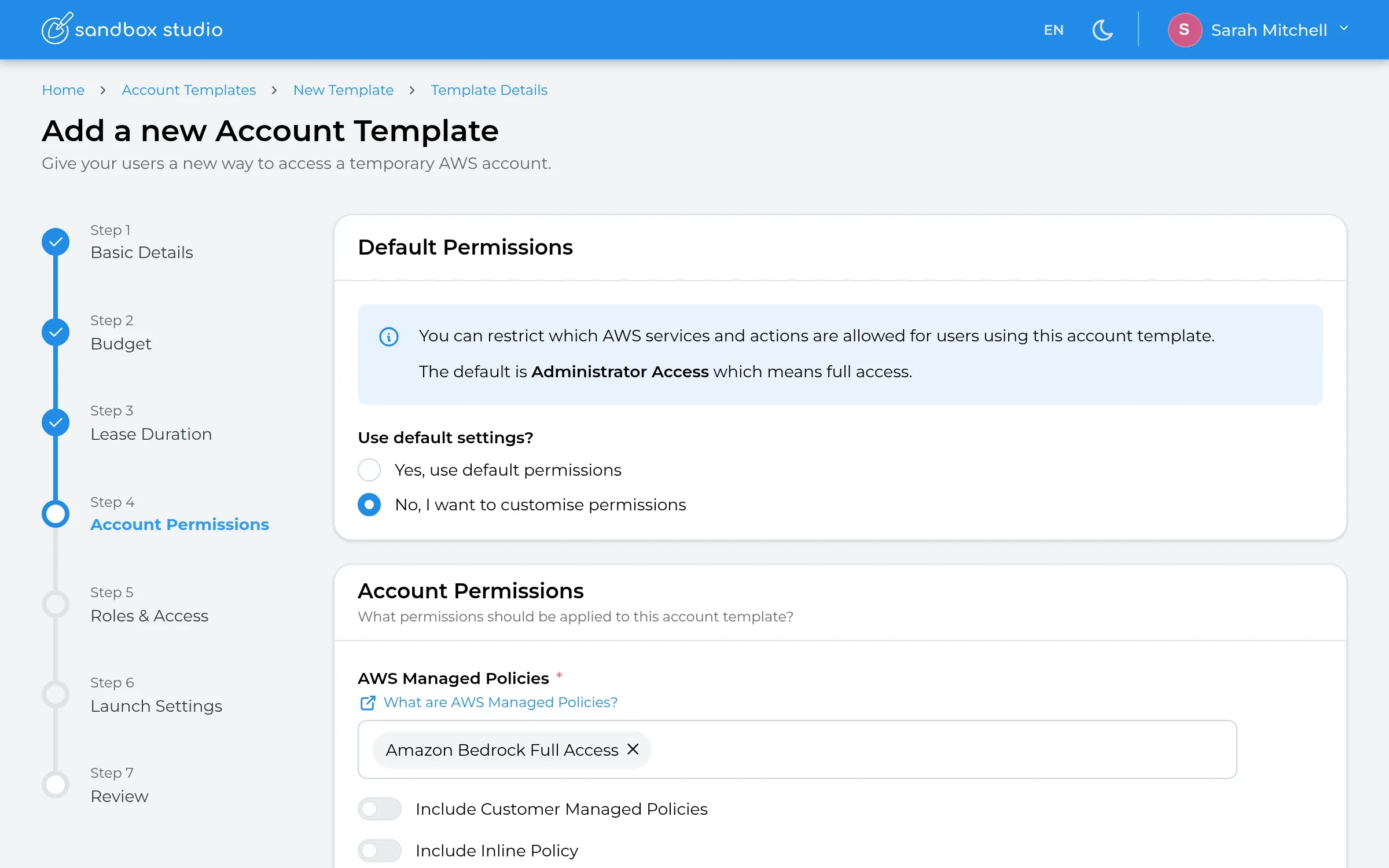 AI InnovationGive teams and AI agents a safe place to build and experiment.Learn more →
 Software Dev & TestingOn-demand dev, QA and CI/CD environments.Learn more →
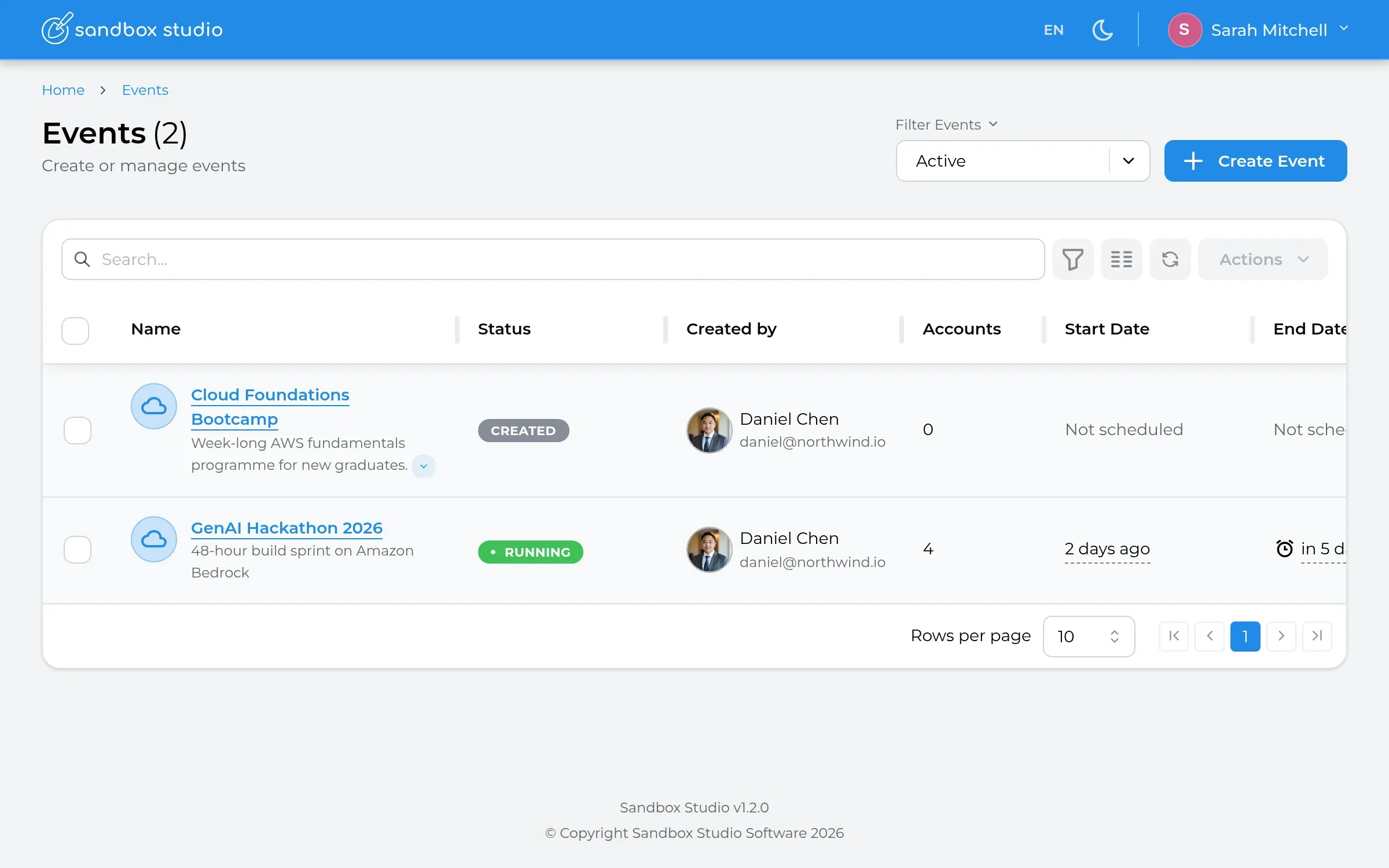 Events & EnablementHackathons, bootcamps and internal programmes.Learn more →
 Education & ResearchHands-on AWS environments for learning at scale.Learn more →
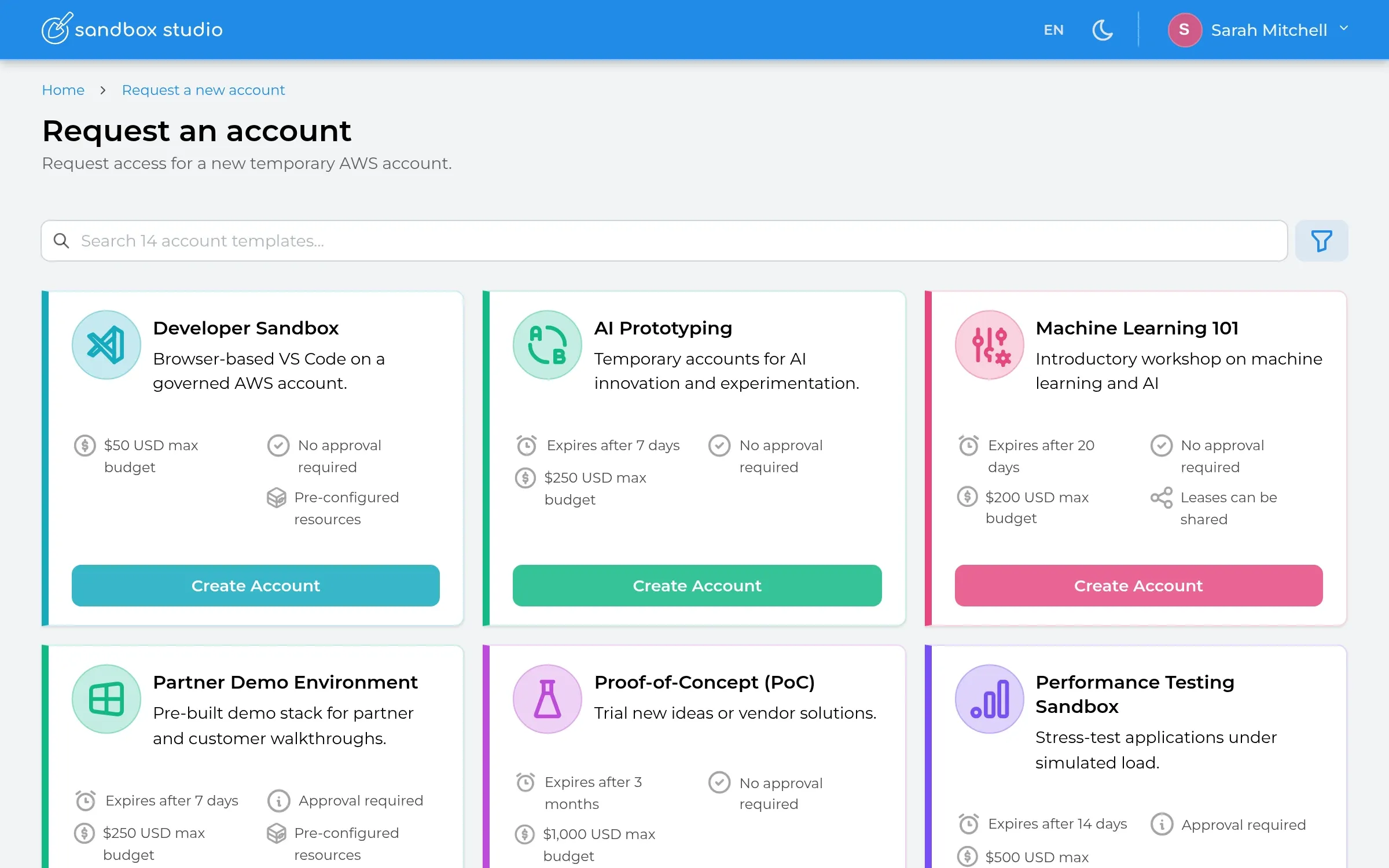 Demos, PoCs & TrialsRepeatable environments for partners, sales and customers.Learn more →
 Not sure where to start?See every solution side by side.Learn more →
Capabilities
Self-service with control
Teams pick an approved account template and get an AWS account within the limits you set.
Cost transparency
Live spend against every budget, with alerts and automatic actions.
Automate the lifecycle
Provision, track and clean up every account automatically.
Guardrails and policies
Only the AWS services each template allows, capped by a permission boundary.
Approvals in one place
Managers see who's asking, for what and why, then approve in a click.
Flexible sign-in
Offer whichever login methods suit your people. Staff, students and partners can each sign in with the account they already have.
The product
Admins govern, managers approve, users self-serve. All inside your own AWS Organisation. Click through it yourself.
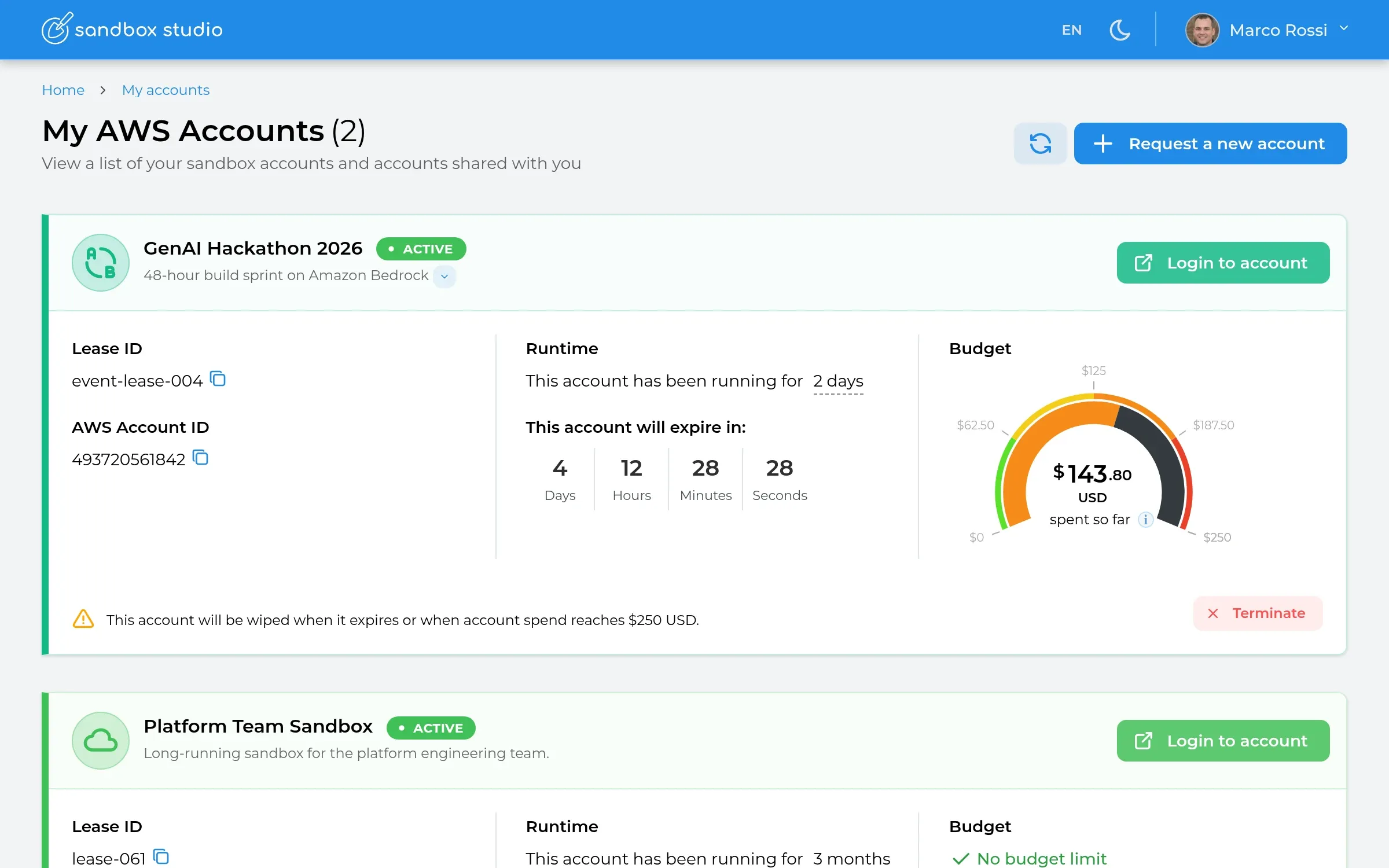
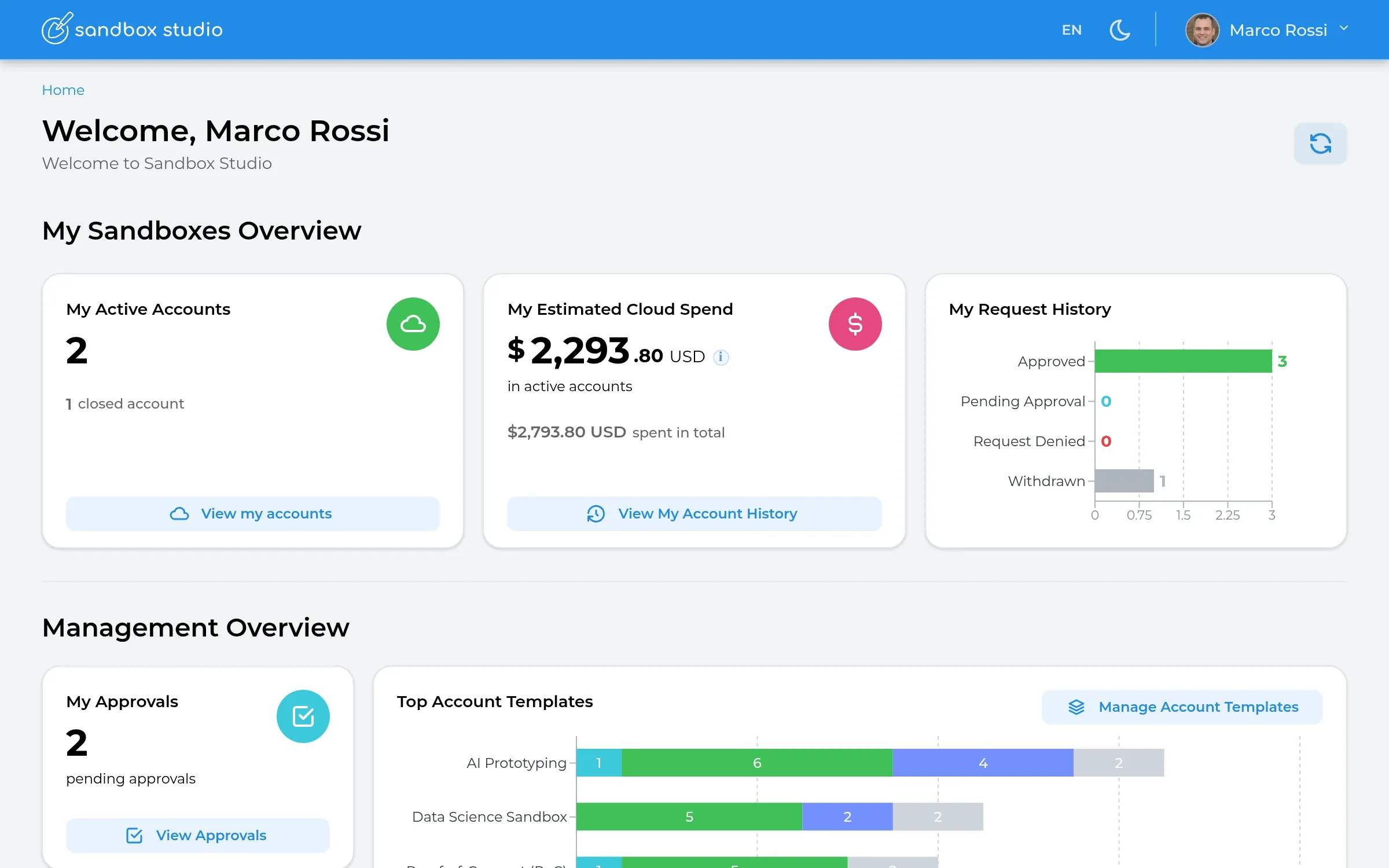
One home for everyone: active accounts, spend and approvals at a glance.
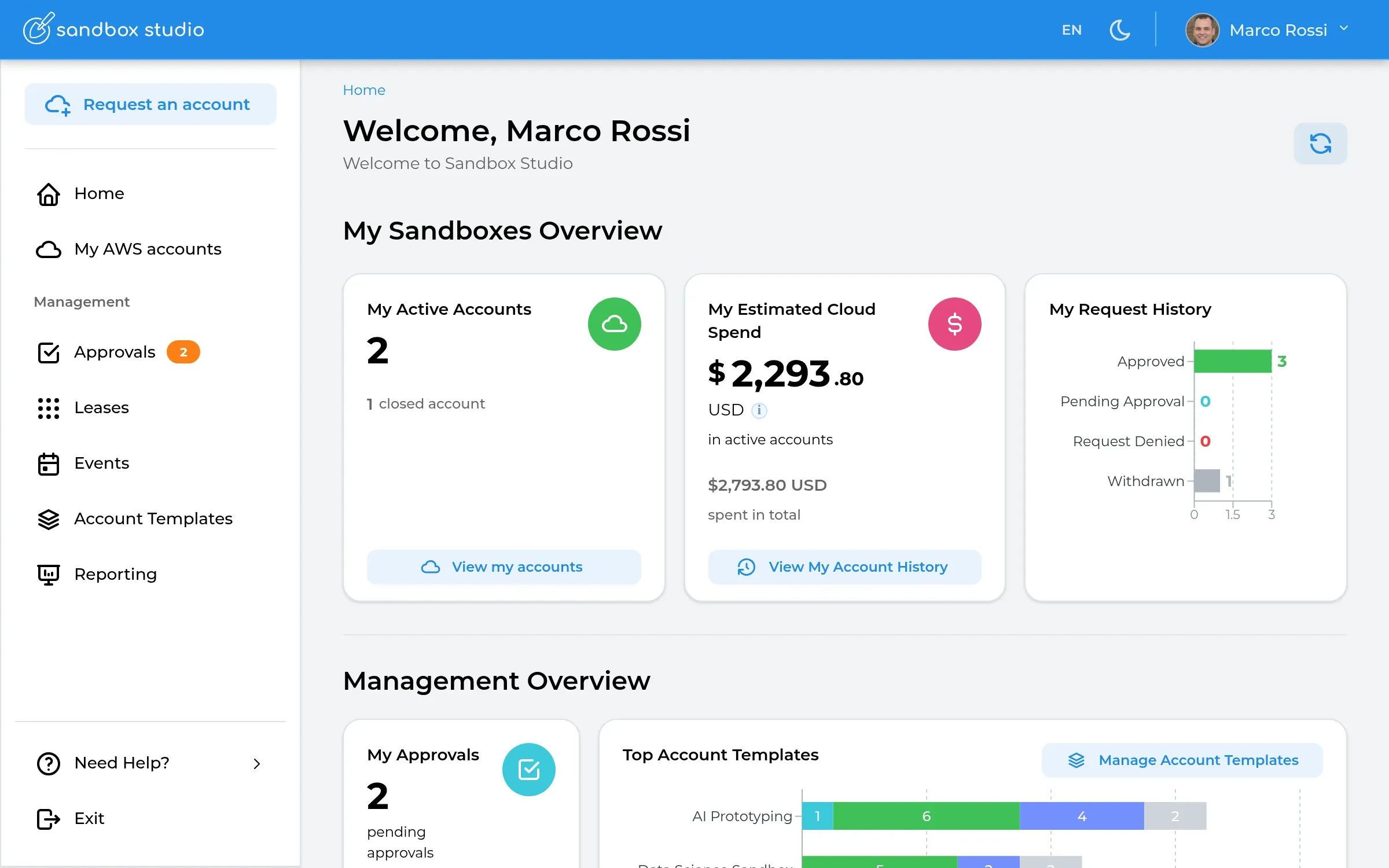
Step 1 of 4
Everything at a glance
Each person sees their active AWS accounts, live spend and request history the moment they sign in.
Integrate and extend
From self-service and enterprise tools to APIs and AI, everyone can request AWS environments through the same governed platform, with consistent policies, controls and visibility.
Requests from anywhere
Sandbox Studio
Orchestration & governance
Governed AWS environments
Visibility & reportingSpend, usage and a full audit trail across every request, whichever door it came through.
Admins and agents work in natural language. The Sandbox Studio MCP server exposes templates, leases and reporting as tools.
you  Create a 14-day AI template with a $200 budget, Bedrock access
     and auto-wipe on expiry. Then lease one for the data team.

✓ sandbox-studio · create_account_template
✓ sandbox-studio · request_lease

claude  "AI Prototyping" is published. The data team's account is
        provisioning and will expire on 14 Nov.
Pipelines lease a fresh, governed account per branch or pull request and hand it back when the job ends.
# .github/workflows/preview.yml
- name: Lease a sandbox for this PR
  run: |
    LEASE=$(curl -s -X POST $SBS_URL/api/leases \
      -H "Authorization: Bearer $SBS_TOKEN" \
      -d '{"templateId":"dev-sandbox","comments":"PR #${{ github.event.number }}"}')
    echo "ACCOUNT_ID=$(echo $LEASE | jq -r .awsAccountId)" >> $GITHUB_ENV
- name: Deploy and test
  run: npx cdk deploy --all --require-approval never
Keep requests in the tools people already use. A catalogue item in ServiceNow or Jira creates the lease and posts the status back.
ServiceNow  RITM0041872 · "AWS sandbox for vendor evaluation"
   ↓ approved in ServiceNow
Sandbox Studio  POST /api/leases  →  201 Created
   ↓ lease.provisioned (SNS)
ServiceNow  RITM0041872 · Fulfilled · account 540128739465
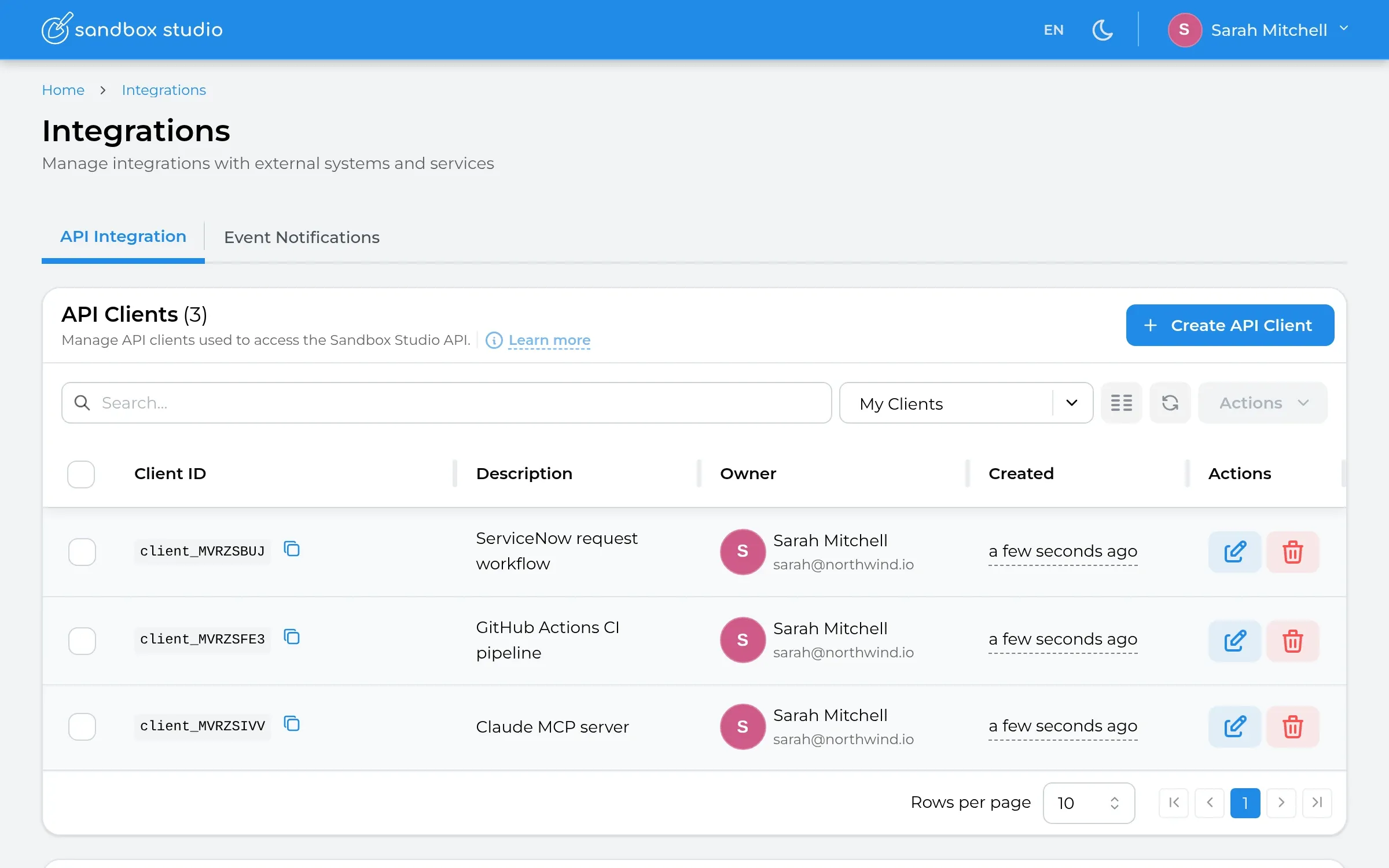
Everything in the portal is available over an OAuth 2.0 REST API, with interactive docs built into the product.
POST /api/leases
Authorization: Bearer eyJhbGciOi…
{
  "templateId": "ai-prototyping",
  "userEmail": "priya@northwind.io",
  "comments": "Bedrock agent pilot"
}

201 Created  { "status": "PendingApproval", "leaseId": "7f3c…" }
Subscribe to lifecycle events on Amazon SNS to trigger your own automation: notify Slack, update a CMDB, start a pipeline.
{
  "entity": "lease",
  "event": "budget.threshold_reached",
  "leaseId": "7f3c2a9e",
  "template": "AI Prototyping",
  "spend": 150.00, "budget": 200,
  "action": "ALERT"
}
How it works
From request to recycled: every account is governed, budgeted and cleaned up automatically. Hover a stage to see it.
Requested
Wendy, a data scientist, picks the Data Science Sandbox template from the catalogue and requests an account.
Approved
The request goes to the managers who look after that template. One of them approves it in a click.
Provisioned
An account is taken from the pool, set up with SageMaker, storage and guardrails, and Wendy is given access.
Running
Wendy builds in her own AWS account. Spend and remaining time are tracked live.
Governed
Budget and time are monitored throughout. Wendy gets alerts as either runs low and can request an extension.
Recycled
When the lease ends the account is cleaned and goes back into the pool, ready for the next person.
Account template library
Proof
90%
faster environment provisioning (up to)
80–95%
reduction in sandbox cost overruns
2–3×
increase in programme throughput
Your AWS
deployed inside your own AWS Organisation
Outcomes based on customer experience and internal benchmarks.
From three weeks to under 12 hours.
PiP used Sandbox Studio to launch a governed AI innovation programme, producing four prototypes and progressing two towards production.
Read the story →4
AI prototypes built
2
progressing towards production
Architecture
Sandbox Studio installs into a governing account you own. Your identities, your data, your guardrails.
Your AWS Organisation
Your Sandbox Studio governing account
One place to see and steer every sandbox: who has each account, what it's costing and when it comes back. It hands accounts out, enforces your rules and cleans them up, all from an account you own.
Managing 8 sandbox accounts
Sandbox accounts
Available
In use
Cleaning
FAQ
Sandbox Studio is a platform for giving people self-service AWS sandbox accounts safely. Developers, researchers, students, partners and business teams request an account from a catalogue of account templates; Sandbox Studio sets it up with the right permissions and budget, tracks it while it's in use, then cleans it and returns it to a pool when the lease ends.
A sandbox account is a separate AWS account where someone can build and experiment without affecting production or other teams. Because it's a real, isolated AWS account, people get genuine AWS access, while budgets, permissions and an expiry date keep the risk and cost contained.
Inside your own AWS Organisation. It installs into a governing account you own, and sandbox accounts live in a dedicated organisational unit. Your identities, data and guardrails stay in your environment. Sandbox Studio has completed the AWS Foundational Technical Review.
Each account template sets a budget, alert thresholds and what happens when the budget is reached, such as locking or wiping the account. Users and managers are notified as spend grows, and every sandbox has a lease that ends automatically.
The account's resources are removed automatically and the account goes back into the pool, ready for the next person. Nothing is left running or billing, and nobody has to clean up by hand.
With the identity providers you already use, such as Microsoft Entra ID, Okta or Google Workspace. You can connect more than one, for example separate sign-ins for staff, students and partners.
Through AWS Marketplace, as an annual subscription per concurrent sandbox account rather than per named user. Licences are reused as accounts are recycled. There's a 30-day free trial for up to 3 concurrent accounts; AWS usage inside sandboxes is billed by AWS as normal.
Platform and cloud teams use it to give engineering, data and AI teams governed AWS access, and universities, training providers and AWS partners use it for courses, research, hackathons, workshops, demos and customer trials.
From the blog
National AI ambition and shared platforms need an operational delivery layer to translate investment into adoption across departments.
 James Simpson2 min read
Research organisations need an integrated operating model connecting users, scientific workflows, data and infrastructure.
James Simpson2 min readPractical AI skills require hands-on environments, not just training content.
James Simpson2 min read