
Education, Research and Certification
Provide students, researchers and candidates with real AWS environments for teaching, research and assessment, with the right tools, permissions, budgets and lifecycle controls for each use case.
Why it matters
The challenge
- Environments are time-consuming to provision and support
- Researchers and learners need different tools, access and controls
- Manual lifecycle management creates cost and operational overhead
With Sandbox Studio
- Ready-to-use environments for learners and researchers
- Different account templates and controls for teaching, research and assessment
- Accounts reset, reused or retained according to the programme lifecycle
How it helps
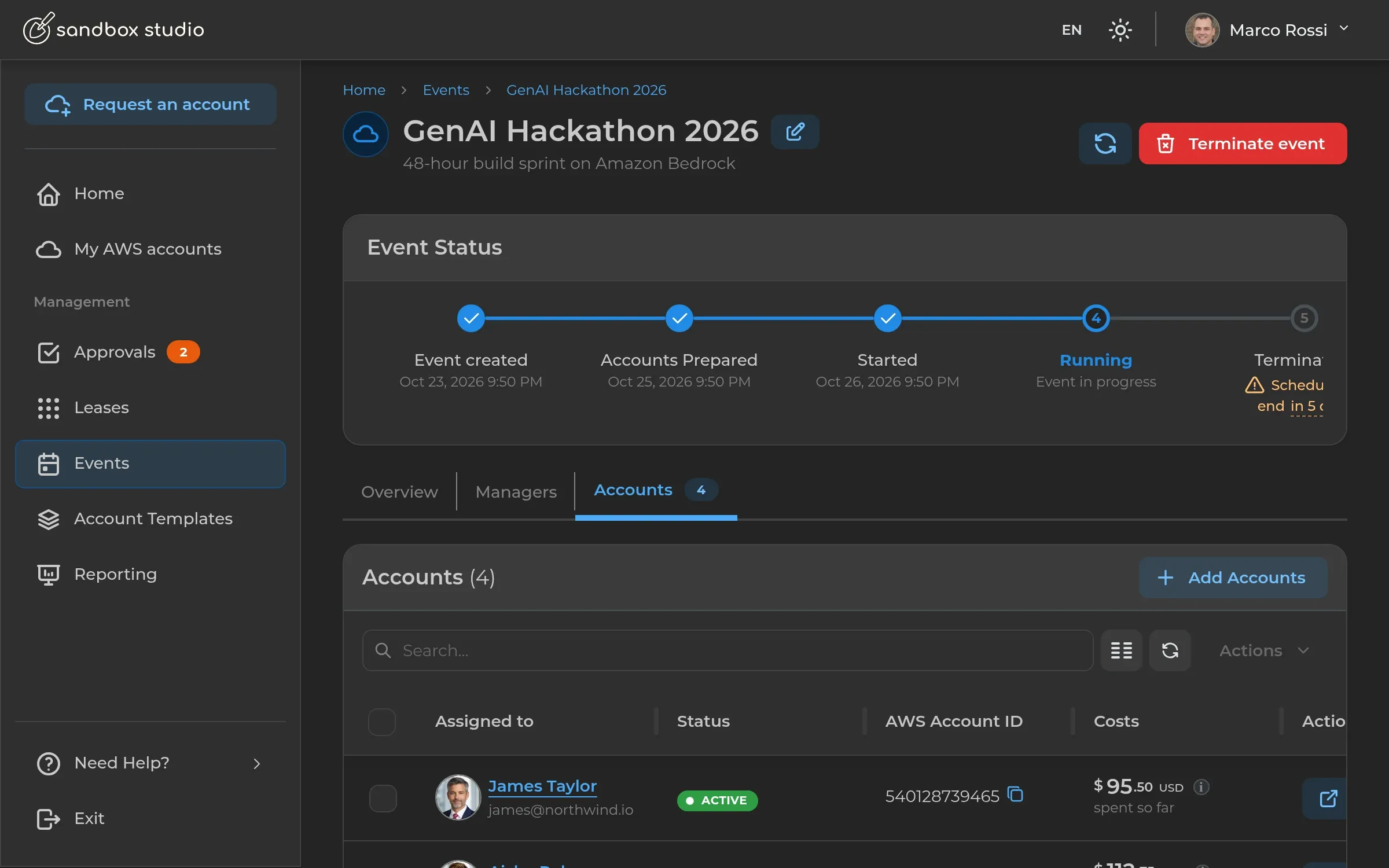
- 01Individual or team environments for teaching, research and assessment
- 02Reusable templates for Jupyter, RStudio, VS Code and specialist research tooling
- 03Budgets, permissions and lifecycle policies tailored by use case
- 04Environments reused across cohorts or retained for longer-lived research where appropriate
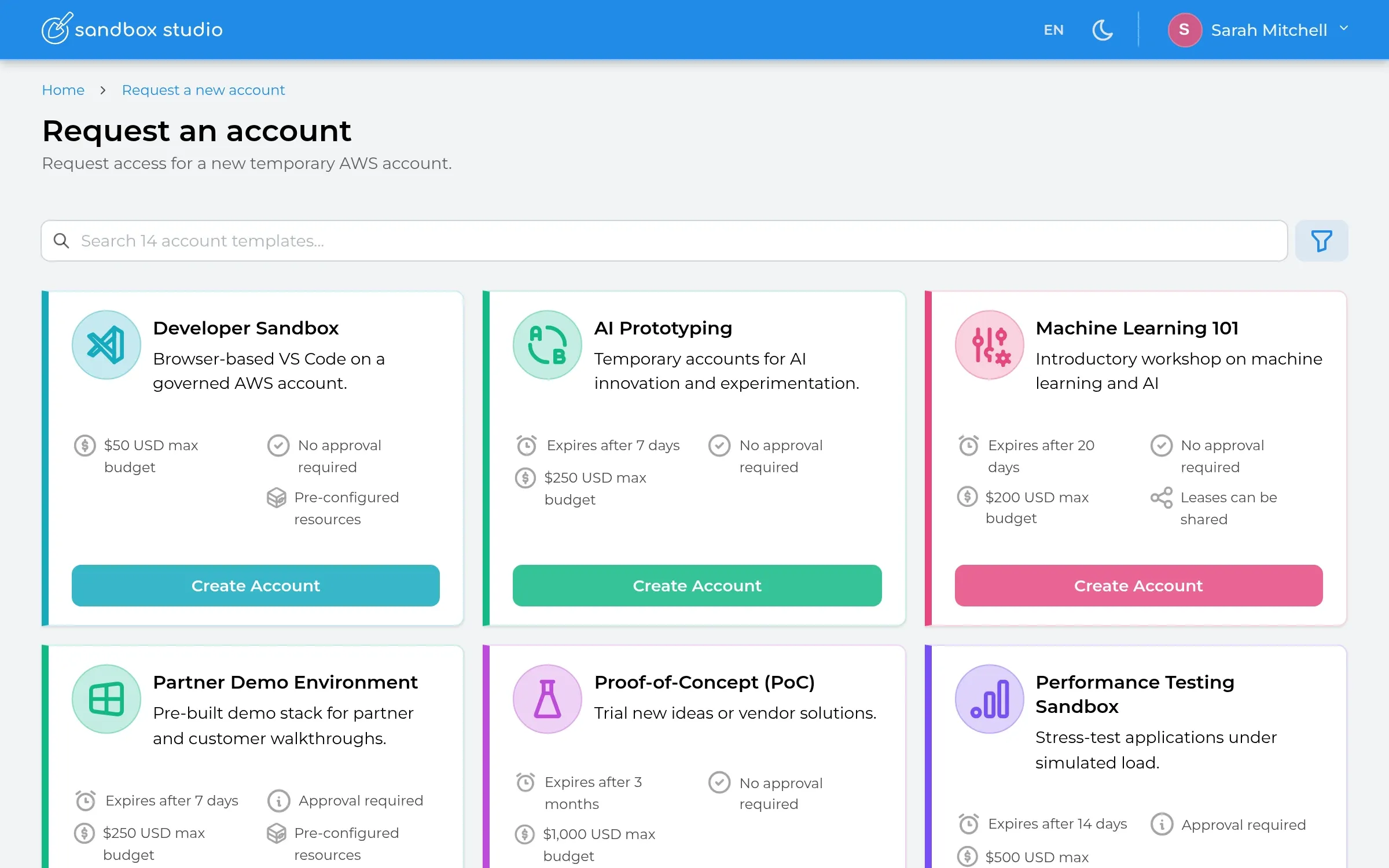
Recommended templates
Key capabilities
Account templates
Reusable, pre-configured environments for every audience.
Guardrails and policies
Permissions, SCPs and boundaries applied automatically.
Cost controls and budgets
Budgets with alerts and automatic lock or wipe actions.
Identity and SSO
Your choice of identity providers, so people sign in the way they already do.
Lifecycle automation
Provision, operate and clean up accounts automatically.
Reporting and insights
Usage, spend and lifecycle visibility in one place.
Other solutions
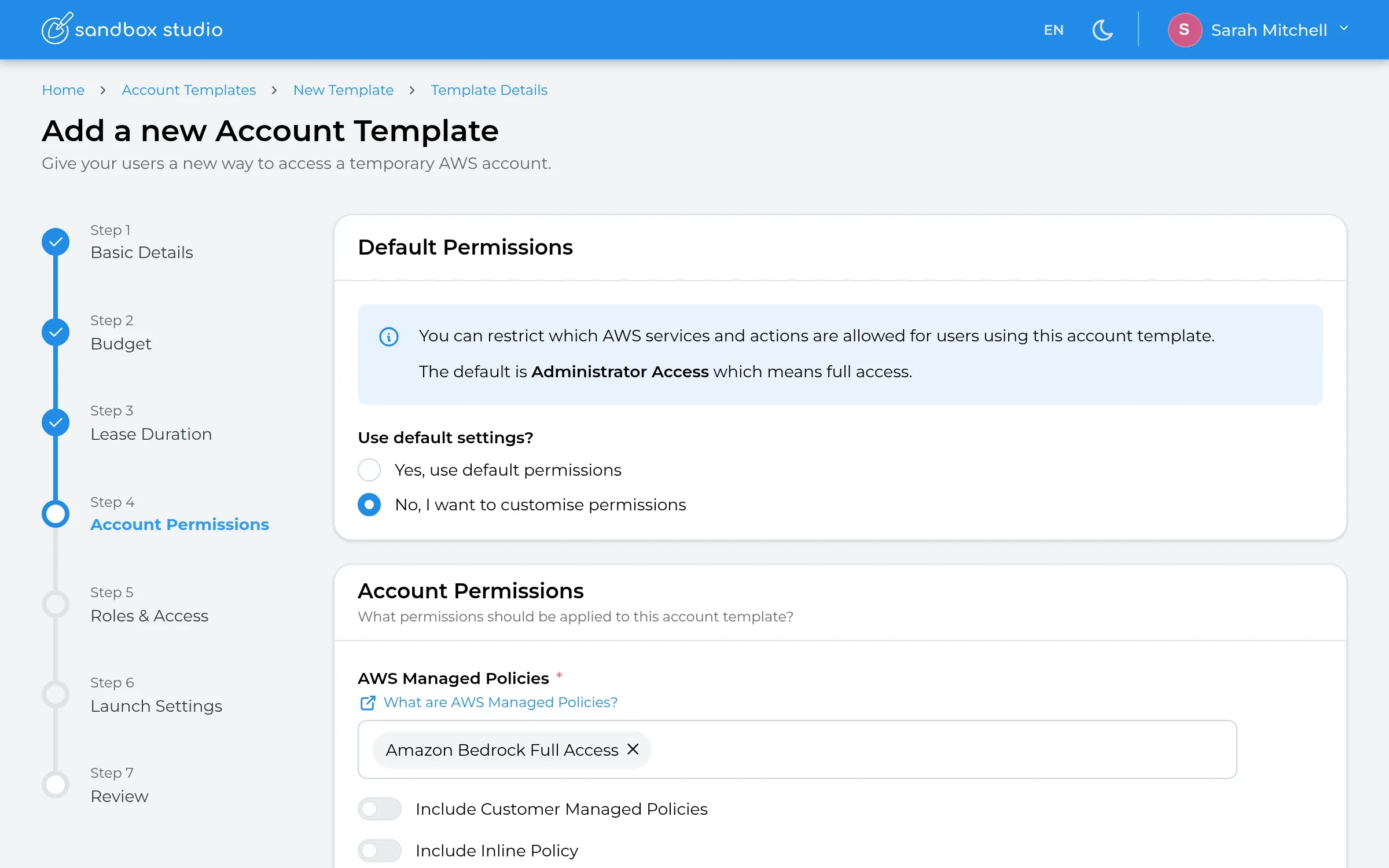 AI InnovationGive teams and AI agents a safe place to build and experiment.Learn more →
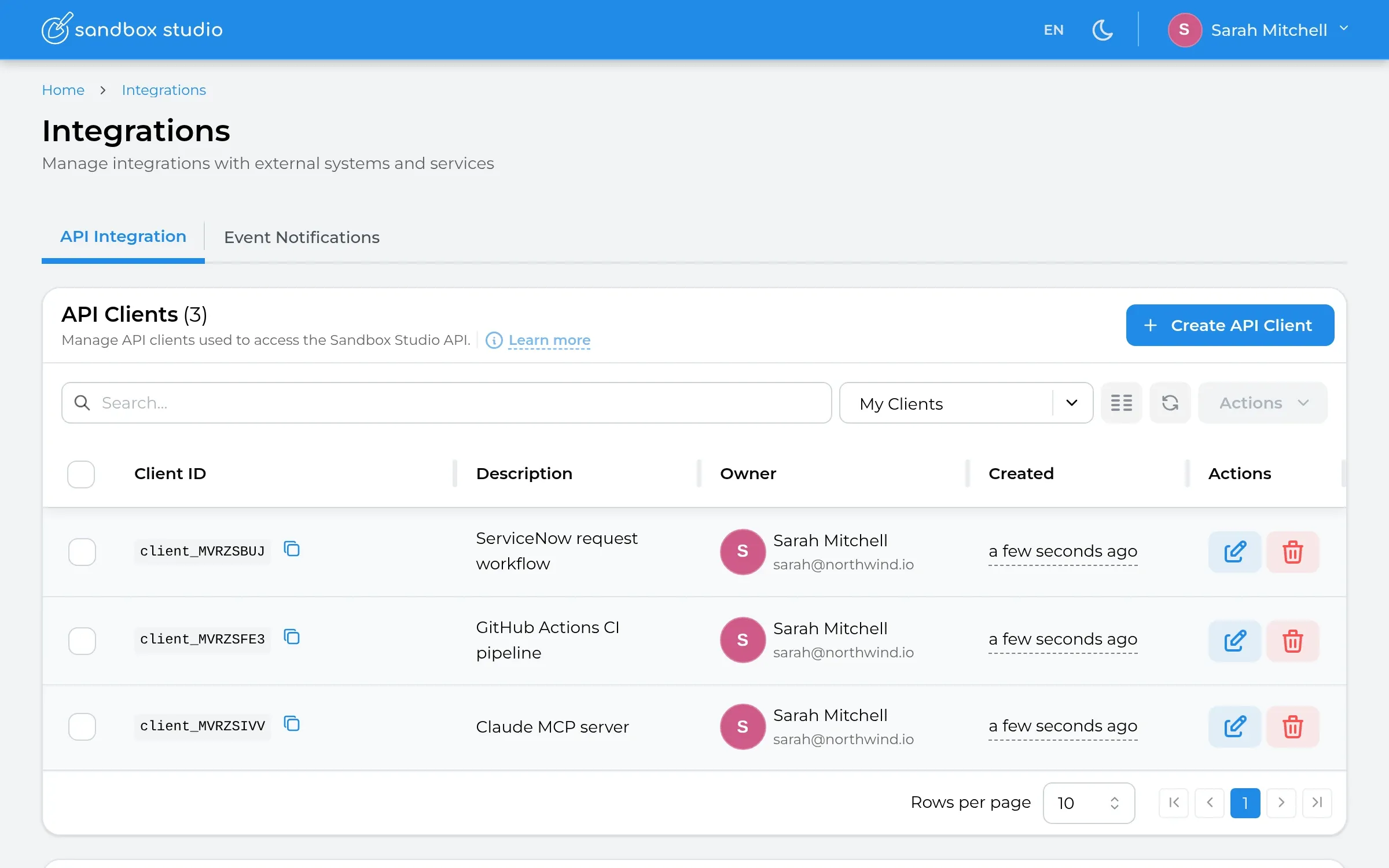 Software Dev & TestingOn-demand dev, QA and CI/CD environments.Learn more →
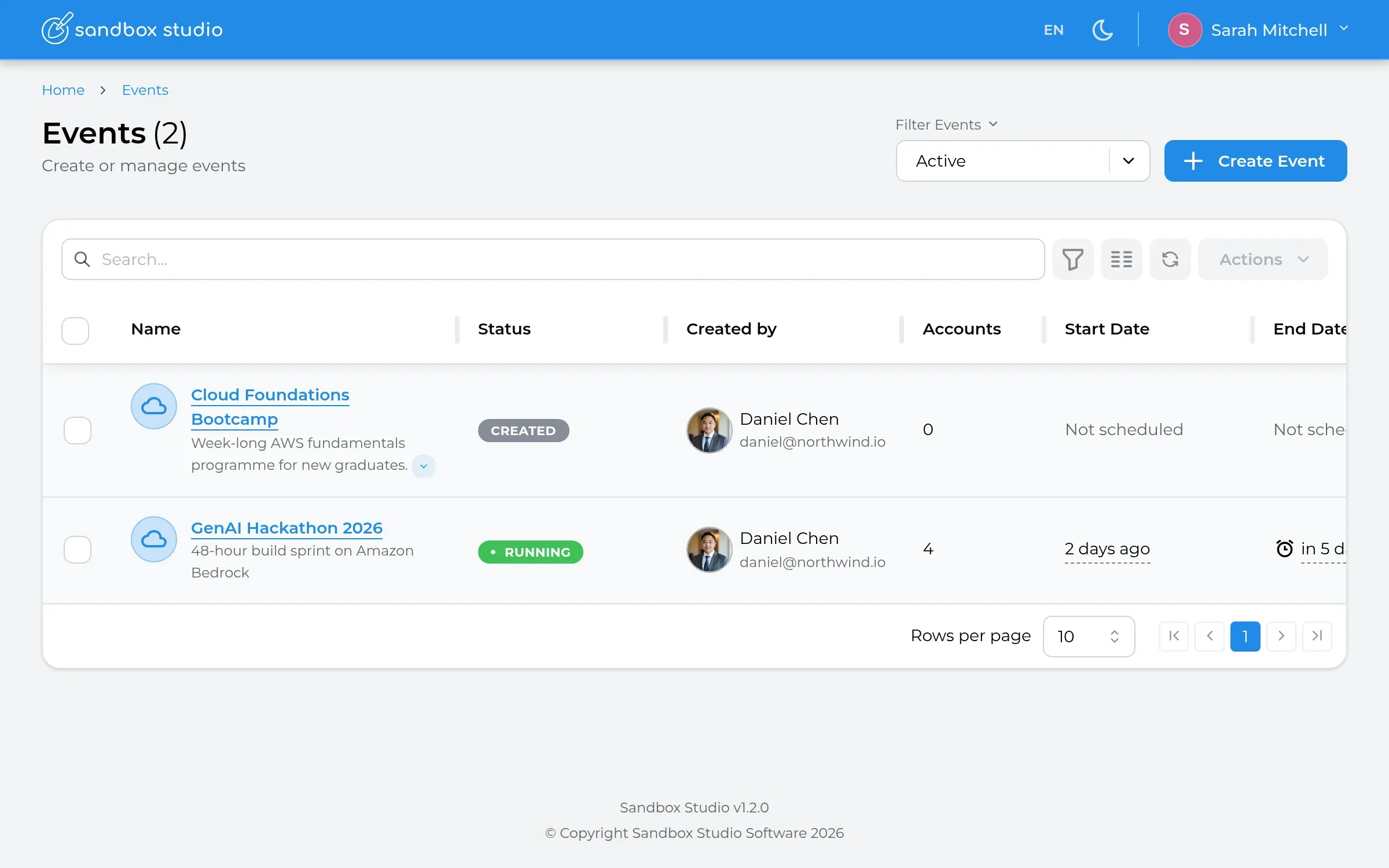 Events & EnablementHackathons, bootcamps and internal programmes.Learn more →
 Demos, PoCs & TrialsRepeatable environments for partners, sales and customers.Learn more →